
ClioSport.net
-
When you purchase through links on our site, we may earn an affiliate commission. Read more here.
You are using an out of date browser. It may not display this or other websites correctly.
You should upgrade or use an alternative browser.
You should upgrade or use an alternative browser.
365/52 2011 :)
- Thread starter adele_90
- Start date


TheEvilGiraffe
ClioSport Club Member
It's that cheeky bird again ! The feathered one, not you Adele 
I'm tempted to do this for real this year !!!
(Oops .. better get a pic quick as it's the 7th)
I'm tempted to do this for real this year !!!
(Oops .. better get a pic quick as it's the 7th)
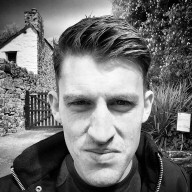
TheEvilGiraffe
ClioSport Club Member
My 52 @ 50mm - 2011
Decided to actually go through with this, a week at a time.
Only constraints I'm setting myself is to use my 50mm f1.8 lens and no tweaking.
Week 1 2011:

1/6400s f/1.8 50mm ISO 3200
Straight off the camera :approve:
Decided to actually go through with this, a week at a time.
Only constraints I'm setting myself is to use my 50mm f1.8 lens and no tweaking.
Week 1 2011:
1/6400s f/1.8 50mm ISO 3200
Straight off the camera :approve:

Fletcher
ClioSport Club Member
I'm going to give a 52 a go this year.
1.
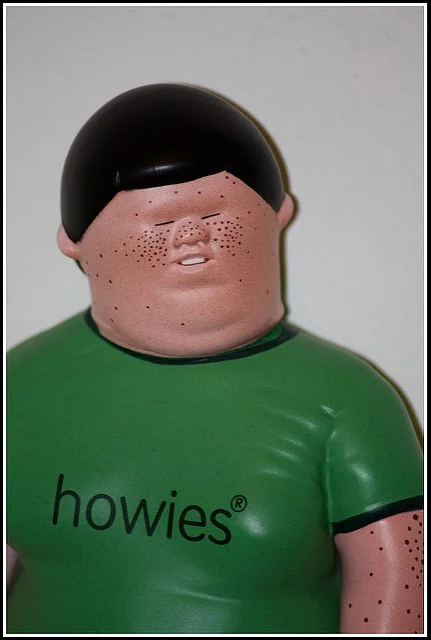
1.

TheEvilGiraffe
ClioSport Club Member
Is this "the" thread of the year or just Adele's ? 
Fletcher
ClioSport Club Member
Is this "the" thread of the year or just Adele's ?
Good point...
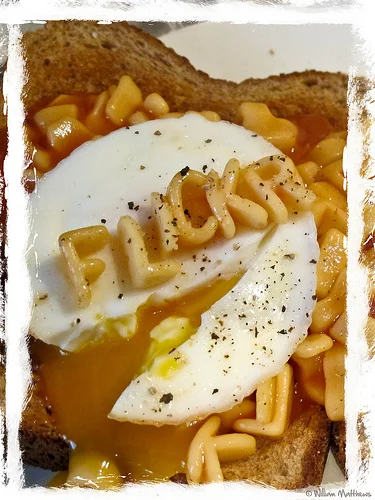
I'm having a go at a 365, here are my first 8
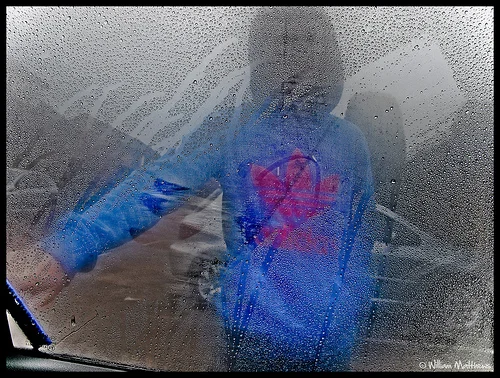
Rainy Days
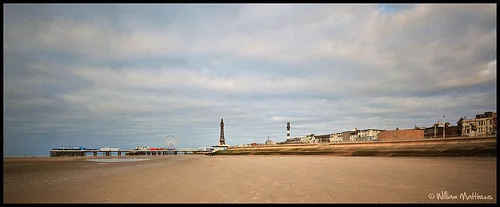
Blackpool
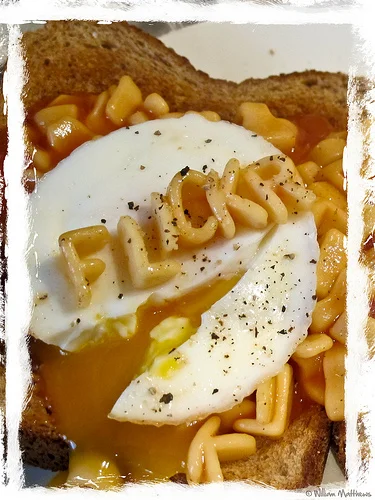
Lunch Time
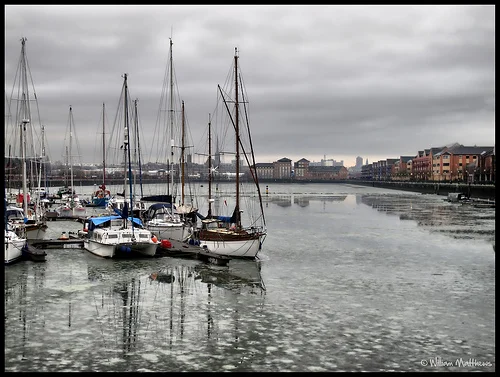
Preston Marina
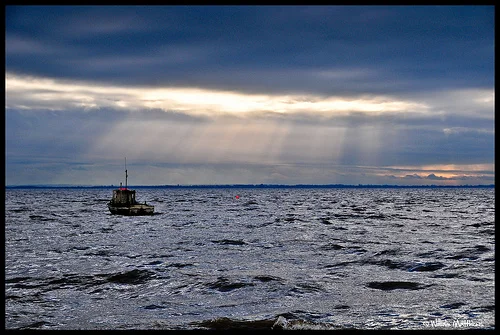
Ribble estuary Lytham
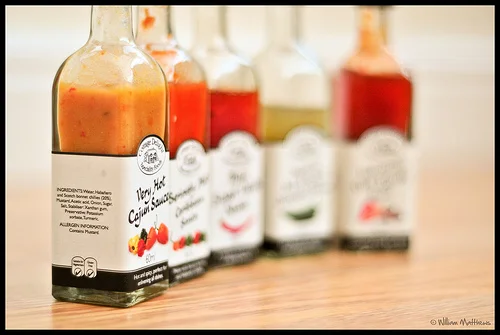
Saucy
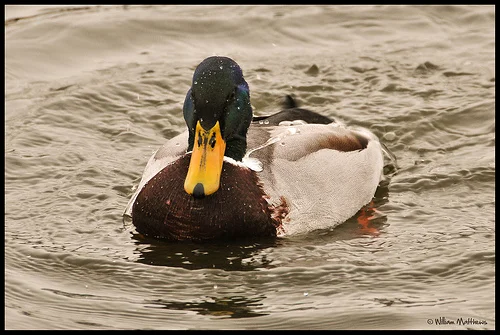
Mallard or Wild duck
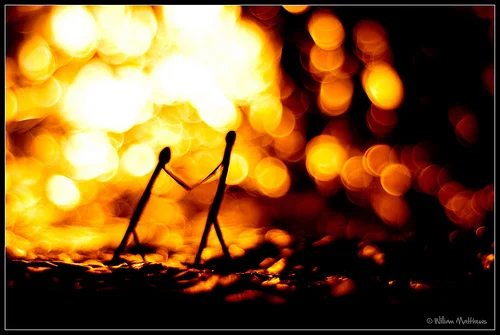
Matchstick men
Rainy Days
Blackpool
Lunch Time
Preston Marina
Ribble estuary Lytham
Saucy
Mallard or Wild duck
Matchstick men
Fletcher
ClioSport Club Member
Nice pics Billy. Keep up the good work.
I go as far as day 127 in 2009.
I go as far as day 127 in 2009.

R26
I'm leaving it until the last day to do my number 1
Fletcher
ClioSport Club Member
I'm leaving it until the last day to do my number 1
Too late now, it's already the 9th
R26
Well I count this week as the first full week of 2011
I'm having a go at a 365, here are my first 8
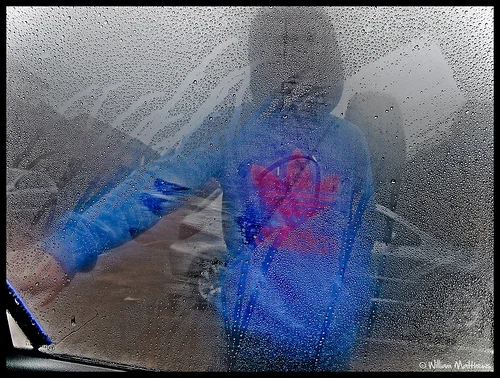
Rainy Days
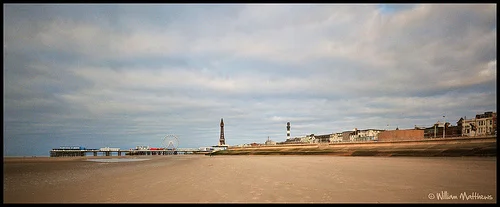
Blackpool
Lunch Time
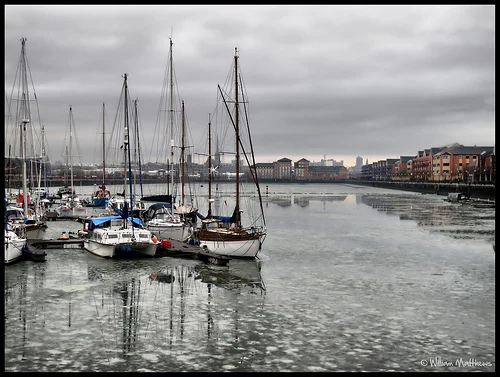
Preston Marina
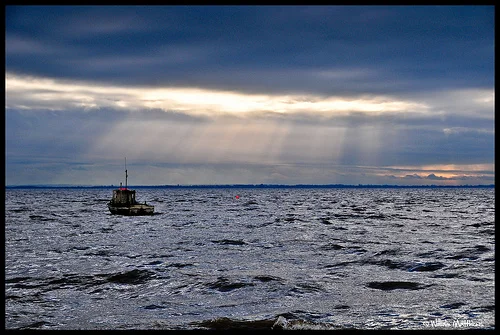
Ribble estuary Lytham
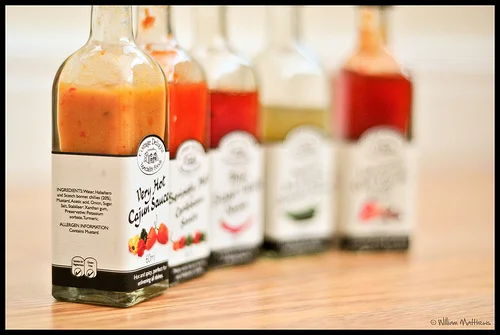
Saucy
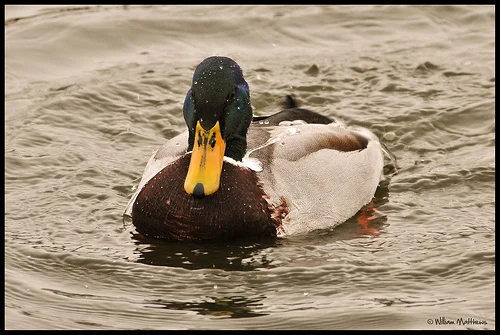
Mallard or Wild duck
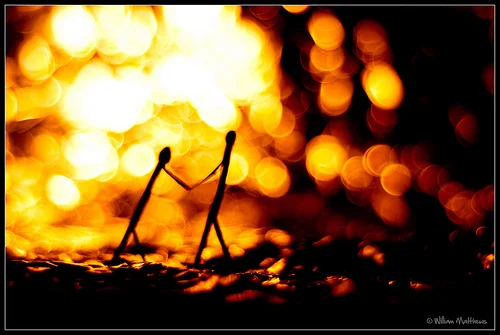
Matchstick men
They are mint, but how did you get the borders?
Since I got a new DSLR, I've been abit worryed on how to get the best out of it and also looking a tool when along side all these winners, but I thought I'd give this ago to get into, so this is my first ever one and I'm going to do 52 one. enjoy.
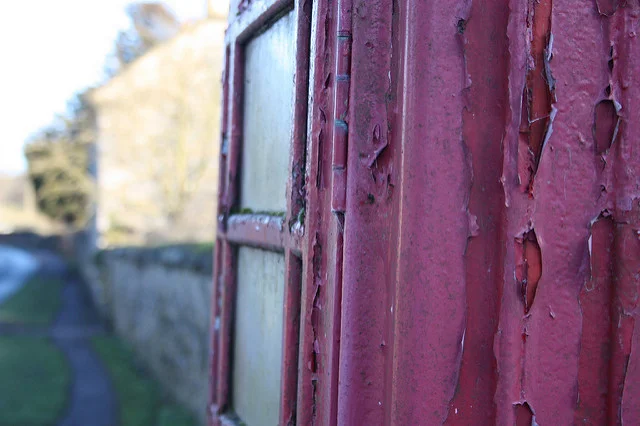
Old Phone Box by apicken21, on Flickr
Old Phone Box by apicken21, on Flickr
R26
My first of the year 
1.

I'll do a separate thread in a min with all from the shoot.
1.
I'll do a separate thread in a min with all from the shoot.

The Boosh!
ClioSport Admin
Elise, Duster
Your photos are ridiculously good Dan.
They are mint, but how did you get the borders?
Borders are quite easy in CS or Elements, just go to Image > Canvas size, set the height and width to say 0.8, set the anchor point in the middle, set the colour to black and click OK.
This is today's image.
Still Life
 it makes it a nightmare when viewing on a phone!
Aaron..
ClioSport Club Member
Well I count this week as the first full week of 2011
I like your style! I'm also late for week 1. Need to get 2 good shots next week!
Borders are quite easy in CS or Elements, just go to Image > Canvas size, set the height and width to say 0.8, set the anchor point in the middle, set the colour to black and click OK.
This is today's image.
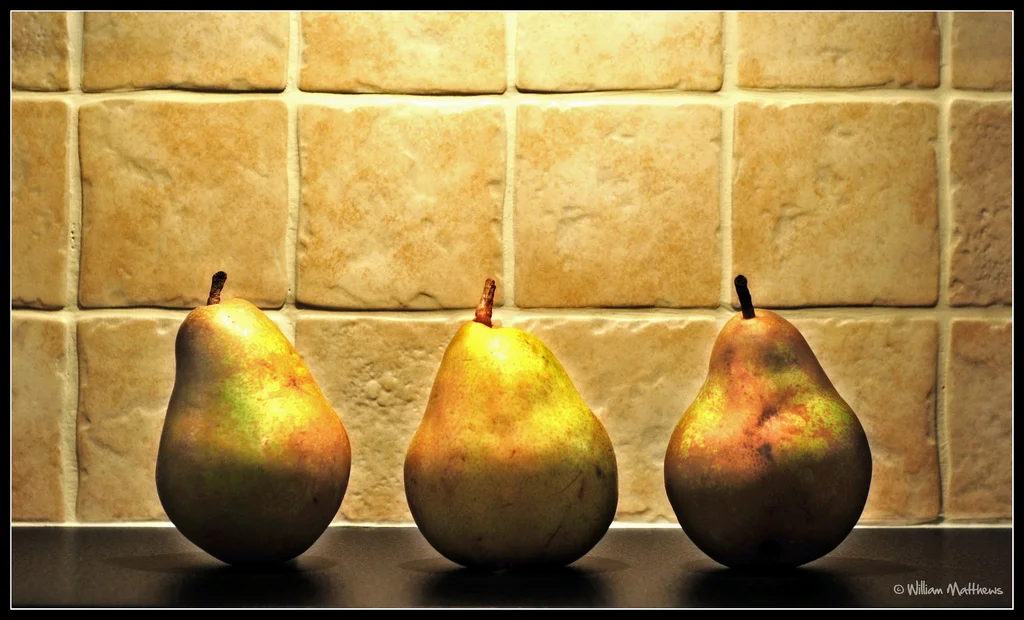
Still Life
I'm sorry for being abit thick? but I've opened up the picture I want on my computer but can not find CS or Elements what ever they are? what am I doing wrong?
thanks.
R26
Are they installed?!
If you have to ask, then you don't have them.
Well I am asking! I wouldn't be asking if I already new how to do it, so what are they and how do you get them. just remember I am new to all this and looking for help and guidnce.
Add a please and I'll tell you.
Sorry my bad, PLEASE.
Elements - http://www.adobe.com/products/photoshopel/
Photoshop - http://www.adobe.com/products/photoshop/photoshop/whatisphotoshop/
There are 28 day trials, but after that you'll have to pay for it. Any mentions of piracy will be deleted.
Photoshop - http://www.adobe.com/products/photoshop/photoshop/whatisphotoshop/
There are 28 day trials, but after that you'll have to pay for it. Any mentions of piracy will be deleted.
Elements - http://www.adobe.com/products/photoshopel/
Photoshop - http://www.adobe.com/products/photoshop/photoshop/whatisphotoshop/
There are 28 day trials, but after that you'll have to pay for it. Any mentions of piracy will be deleted.
Thanks.
Similar threads
- Replies
- 1
- Views
- 219


