
Knuckles
ClioSport Club Member
Because having to click to view thumbnails is an inconvenience, and nobody likes a big all of text with some small images at the bottom, here's how to upload full size pictures using the 'upload an image' button
Click 'upload an image'
Choose which image you want and wait for it to load into the 'attached files' tab
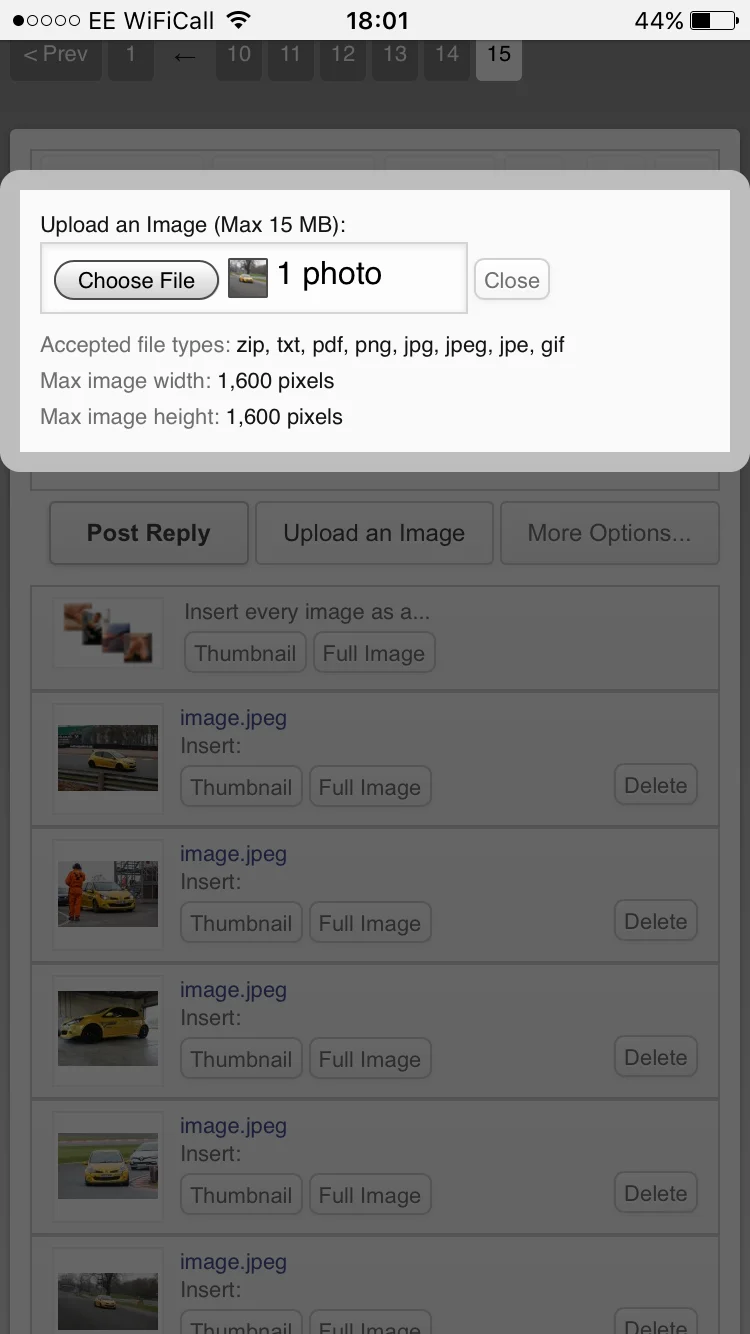
Do up to twenty in one go and you'll be left with this.
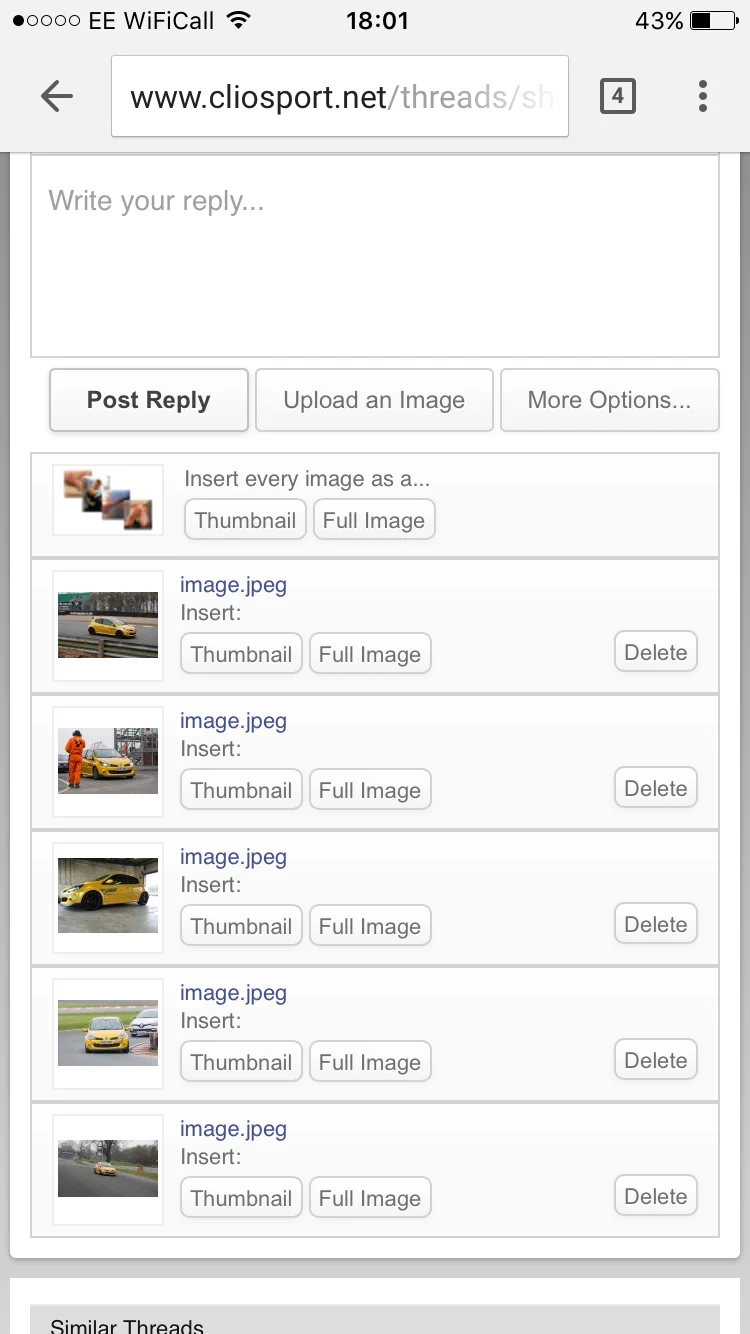 If you post the comment now, it'll insert everything as a thumbnail
But if you press 'full image' below, they'll all be posted in the thread as full images.
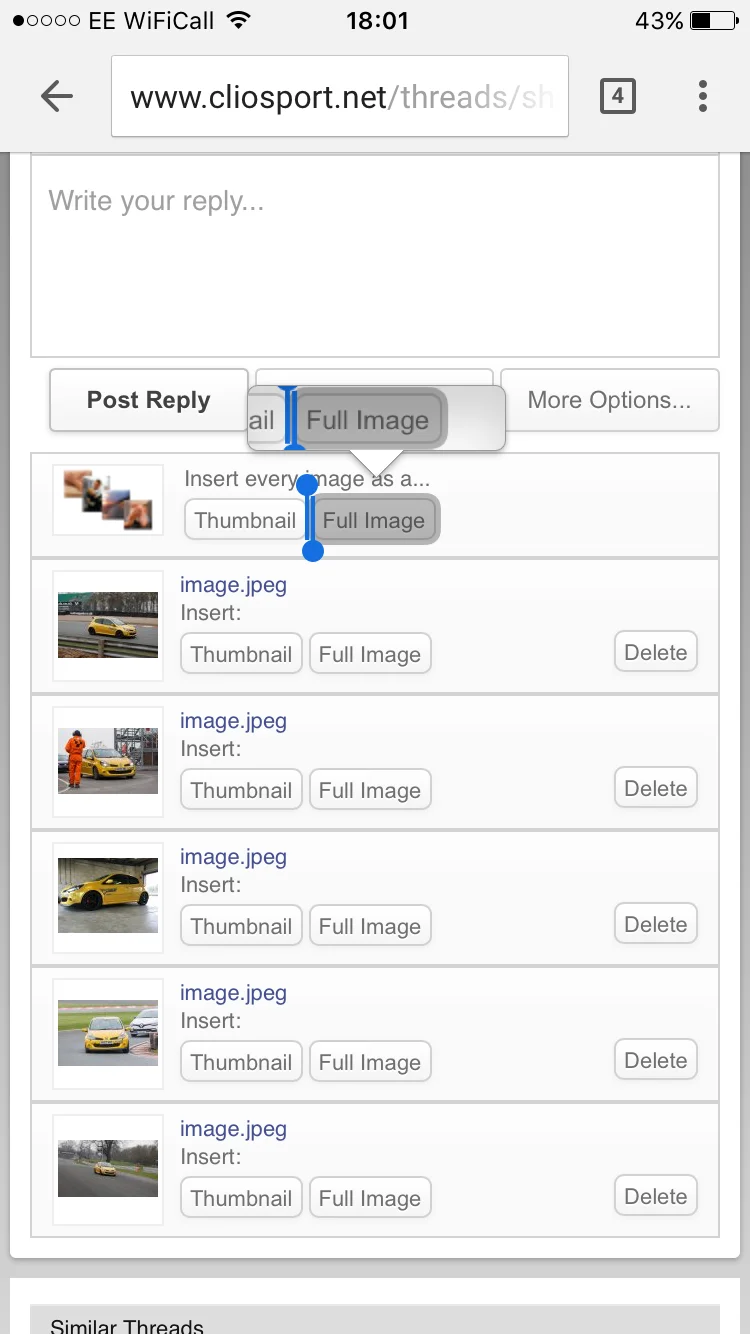
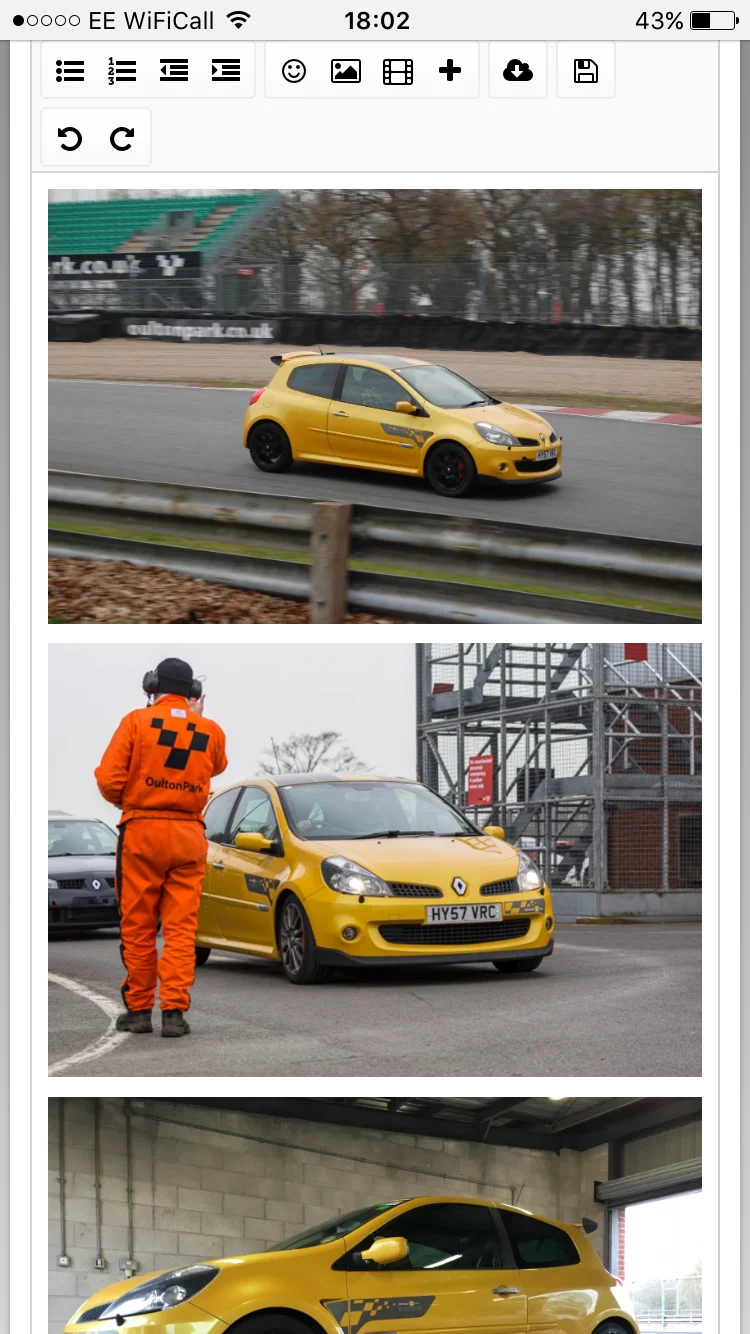
And to see the difference, you have to click on the image below to see it.
Click 'upload an image'
Choose which image you want and wait for it to load into the 'attached files' tab
Do up to twenty in one go and you'll be left with this.
But if you press 'full image' below, they'll all be posted in the thread as full images.
And to see the difference, you have to click on the image below to see it.