This is a sample guest message. Register a free account today to become a member! Once signed in, you'll be able to participate on this site by adding your own topics and posts, as well as connect with other members through your own private inbox!
First of all, you might wanna consider upgrading , but this technique will be easily do-able in old versions of PS.
There are many ways of doing this, ranging from complex colour range selections to simple use of the eraser tool.
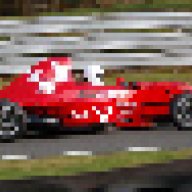
All I did as a quick job was to duplicate the entire image onto a new layer above the original, and remove all colour saturation. I then adjusted the contrast to bring out the blacks a little more.
Then you just zoom in and get erasing, the car only of course. This will show the colour from underneath. Then I adjusted some colour settings for the car too, but this isnt necessary.
Have a play around, its gets easier once you start doing it hands on.