ClioSport.net

This is a sample guest message. Register a free account today to become a member! Once signed in, you'll be able to participate on this site by adding your own topics and posts, as well as connect with other members through your own private inbox!

  • When you purchase through links on our site, we may earn an affiliate commission. Read more here.

Possible Virus

Hi,

Last night our internet stopped working, and some flashing icon in the toolbar appeared. If you click on it it is a direct link to some werbsite called Virus response lab 2009. It also keeps popping up SECURITY WARNING!?

Anyway rang up sky (My provider), We changed the Firewall to default settings.

The internet is now working again, however everytime i open an internet browser a page opens up saying Security Centre.
How do i remove this item? Also the page that loads?
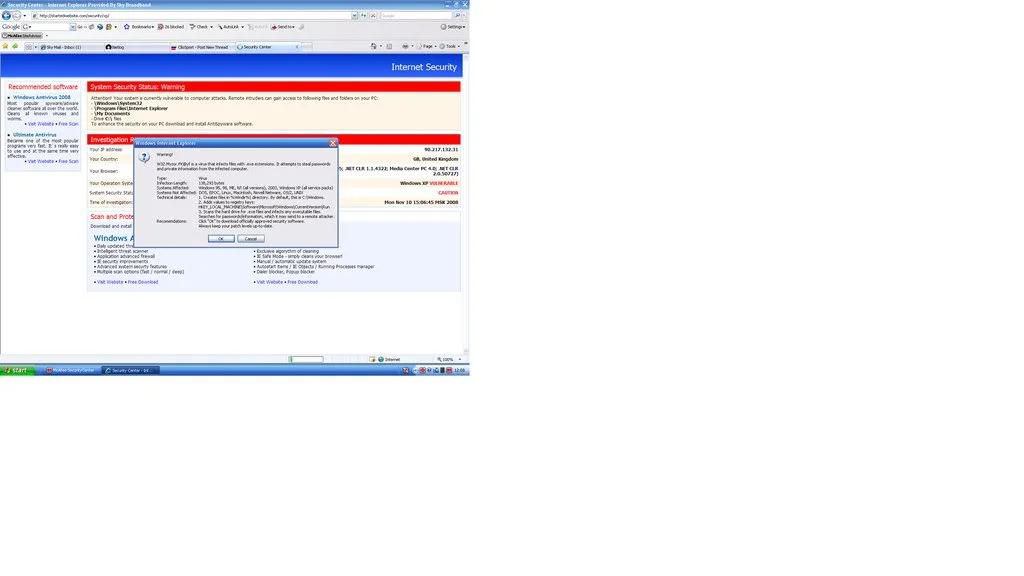

warning.webp
 
run super anti spyware.
best thing ive done to my laptop will guarantee it removed.
 
lol it was macafee that put the crap in your comp in the first place.
 
Ran all scans, not showing up! I tried all the info on the links from Griff but its not finding the files?

Spoke to Mcafee they want £50 to remove it!

Don't know what to do computer is like a snail...
 
Hi,

Runt he following in the safe mode including networking mode

Please install this tool and download ALL the updates.

http://www.spybot.com/index2.html

Run the tool and restart the machine.

Then download this tool,

http://www.malwarebytes.org/

Please install the tool and all the updates,

Run it, make sure all applications are closed.


This should resolve the issue above.

Both are free tools.

Thanks,

Gabi.
 
Try the tools.

Two easy tools that will remove your problem.

Both free as I said :)

I hate pop ups and that rubbish, just have to be careful.

So much shite out there, sadly.

Im ok on computers but im not messing about with the hefty stuff.

Thanks for the links.
 
Back
Top