

.Joe
ClioSport Club Member
I've recently discovered that after going out and shooting, the one thing I dread is the organising after, going through photos/culling and getting some form of organisation in place.
Keywording photos from CSF25 took me roughly 8 hours before I even got to checking for sharpness etc
With the advent of all these new AI platforms I realised not everyone wants to hand their photos off to random companies that offer these autocull and edit services.
So after a few long drives and countless discussions with my bots I've got together something that will run entirely locally on the M1-5 Macs
It's currently running along happily on an M2 MacBook with 16gb of ram, but should be able to run on 8gb without much issue.
This is purely for cataloguing and applying keywords to the images
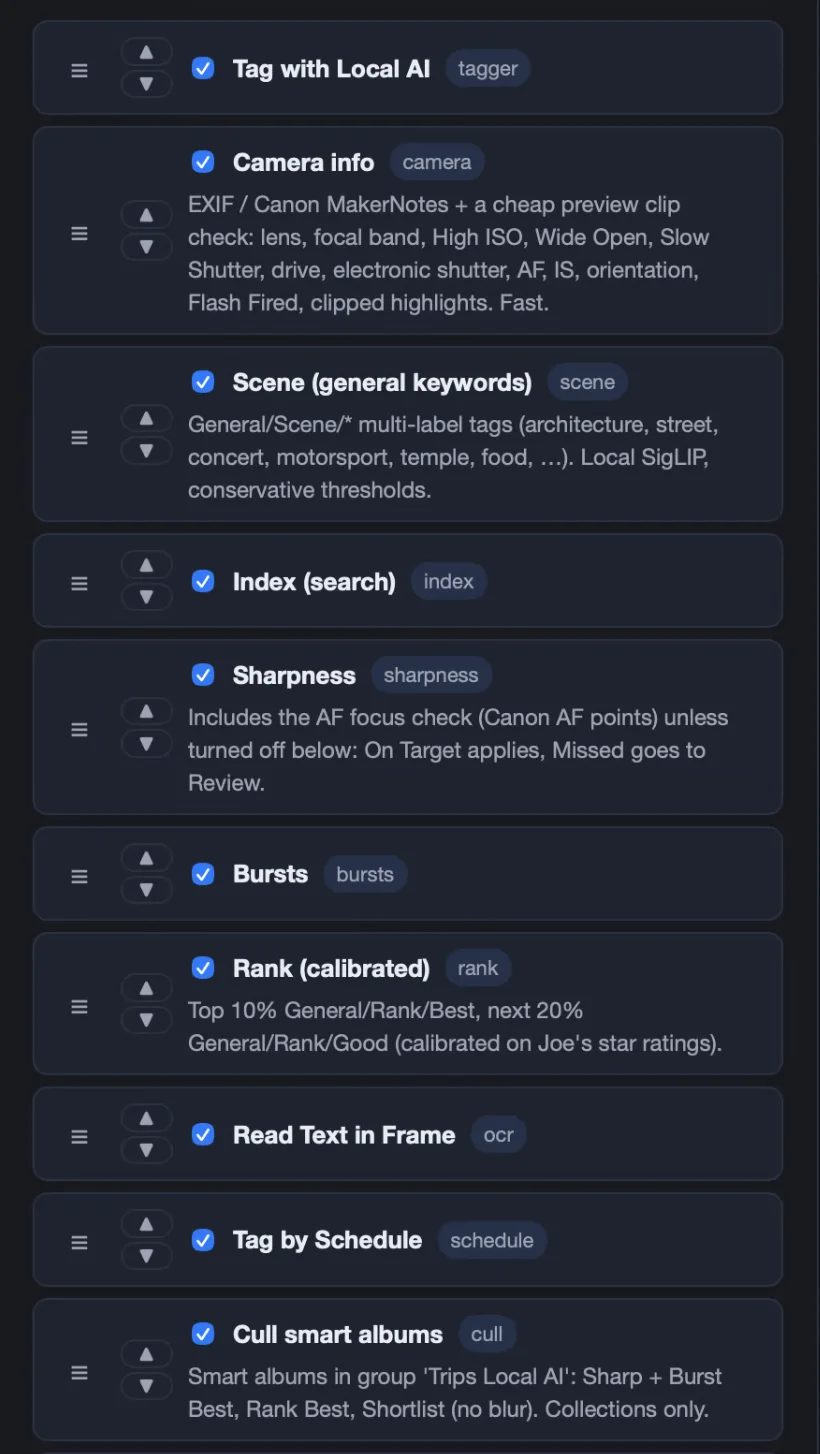
So far it's got the following features working with Capture One
a full run on about 2,000 frames takes roughly 2 to 3 hours for a full chain
For the Training you can set it to run against your import vs export folders so that it will work to your pickings.
For the Schedule Tagging you can upload an image of an events time table which will then create the keywords for that event.
The keyword and smart albums runs can be configured and saved as presets.
I'm a big advocate for not handing data like photographs over to all these companies so wanted something that could run locally on reasonably basic hardware
Im working on adding support for Lightroom classic and any other application that uses XMP Sidecars to it in the future

 github.com
Keywording photos from CSF25 took me roughly 8 hours before I even got to checking for sharpness etc
With the advent of all these new AI platforms I realised not everyone wants to hand their photos off to random companies that offer these autocull and edit services.
So after a few long drives and countless discussions with my bots I've got together something that will run entirely locally on the M1-5 Macs
It's currently running along happily on an M2 MacBook with 16gb of ram, but should be able to run on 8gb without much issue.
This is purely for cataloguing and applying keywords to the images
So far it's got the following features working with Capture One
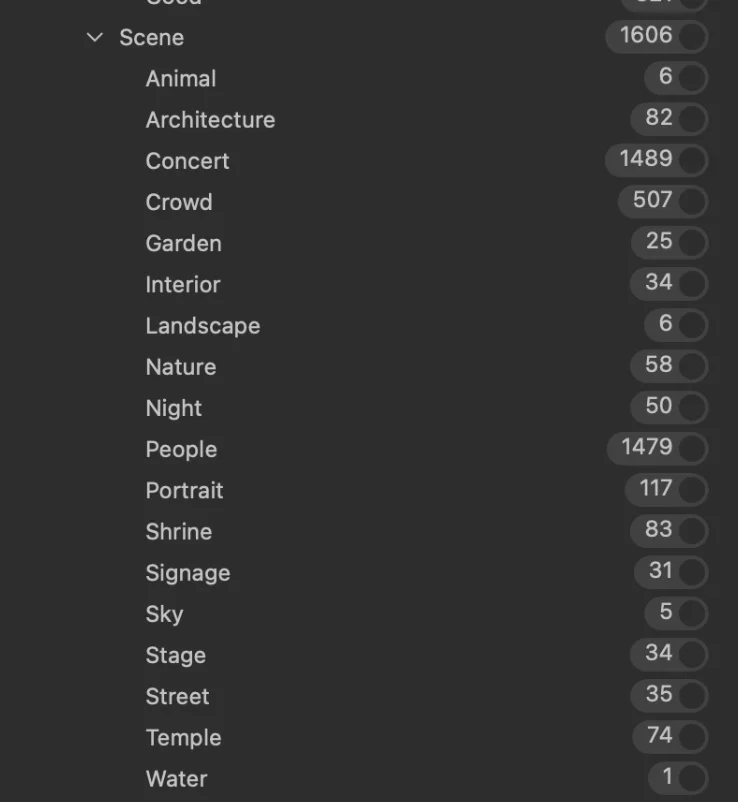
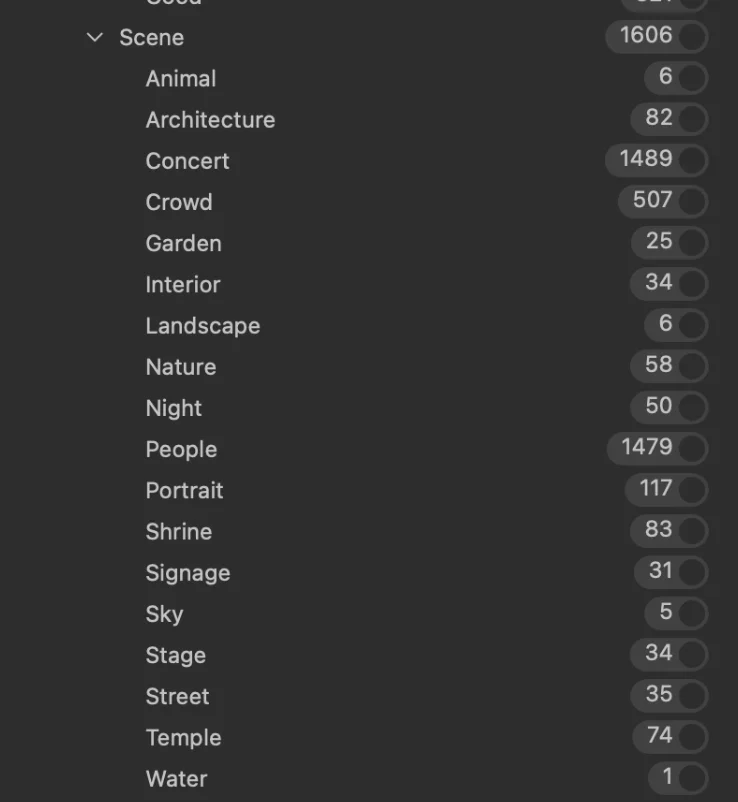
- Tagging passes. Each of these adds keywords pass by pass: focus, camera info, scene (such as architecture, street, landscape and night), text in frame, and folder or venue keywords.
- Bursts and ranking. It groups bursts, picks the best frame in each, and scores sharpness and aesthetics with a ranking model trained on your own exports.
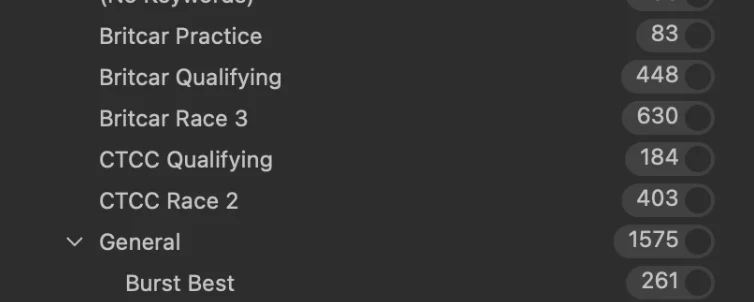
- Assisted cull. It builds Capture One smart albums for Sharp + Burst Best, Rank Best and Shortlist, without changing ratings or colour tags.
- People. It finds and clusters faces for you to review. Nothing is applied automatically.
- Schedule tagging. It adds act and changeover keywords by capture time, and loads every schedule for that date.
- Schedules tab. It has a spreadsheet editor for acts, history with rollback, and pre-loaded events with a Pending view and start times. Confirm is the only thing that writes to the NAS.
- Schedule Poster reader. A single image dropped in an event folder is read automatically. it shows up on the Schedule review page.
- Auto-queue. It picks up new Camera Imports folders after Capture One has imported them and the files have stopped arriving, and you can change the last-run time.
- Training tab. It runs ranking training as a queued job, shows its scores, and lets you adopt or roll back the result. A marker on each folder chooses which ones it learns from.
- Locations. You can set the imports, exports, Other Exports and Schedules folders with an in-panel folder browser that works remotely.
a full run on about 2,000 frames takes roughly 2 to 3 hours for a full chain
- Basic tags and camera info take 10 to 45 minutes each on a first run, mostly reading the files off a NAS. On a rerun they take about a minute.
- Building the image index takes 20 to 60 minutes.
- The scene pass takes about 5 minutes.
- Sharpness and focus points take about 5 minutes.
- Bursts, ranking, schedule tagging and the cull take a minute or two in total.
- The text-in-frame pass takes 15 to 40 minutes and is the slowest on reruns.
- Face finding takes about 9 minutes.
For the Training you can set it to run against your import vs export folders so that it will work to your pickings.
For the Schedule Tagging you can upload an image of an events time table which will then create the keywords for that event.
The keyword and smart albums runs can be configured and saved as presets.
I'm a big advocate for not handing data like photographs over to all these companies so wanted something that could run locally on reasonably basic hardware
Im working on adding support for Lightroom classic and any other application that uses XMP Sidecars to it in the future
GitHub - jaswalker24/trips-local-ai: Trips Local AI: on-device AI tagging for Capture One (headless M5)
Trips Local AI: on-device AI tagging for Capture One (headless M5) - jaswalker24/trips-local-ai
github.com
Last edited:


