

Andy_con
ClioSport Club Member
clio 182
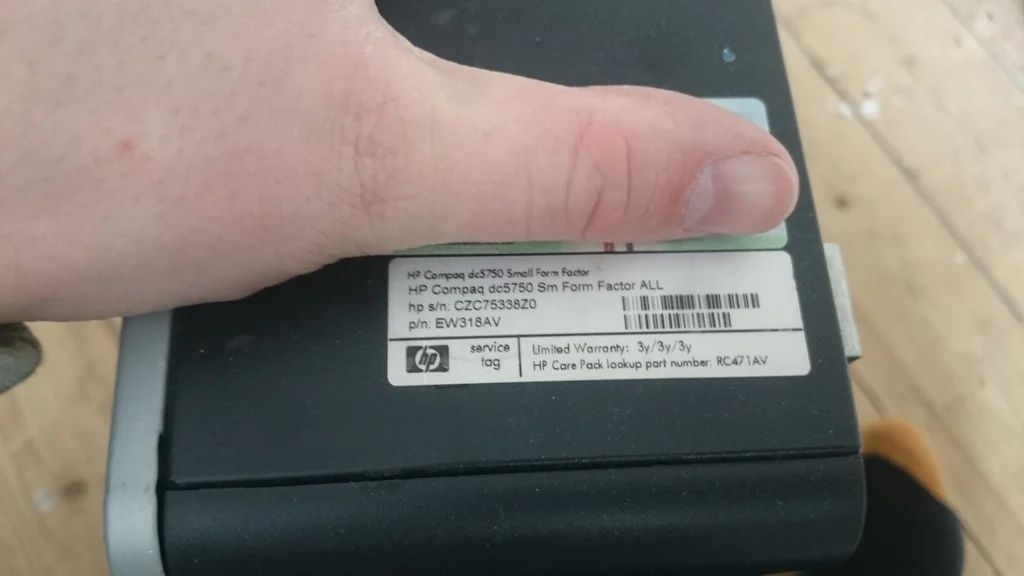
just "borrowed" an HP Compaq dc5750 small form factor desktop from work.
I know its pretty rubbish but I just want it for doing cctv with, it will replace my even older one which I currently use.
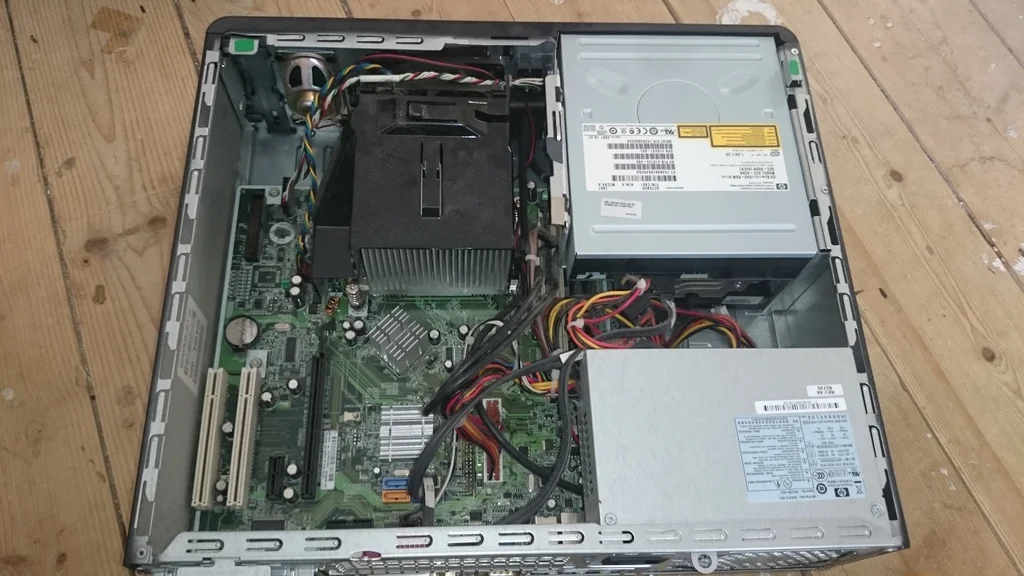
as this is a work pc it will be the most basic spec money could buy, sadly the cpu had a block of ally glued to it so couldn't actually see what it was.
I want to plug one IP camera in via Ethernet and then use another via wifi.
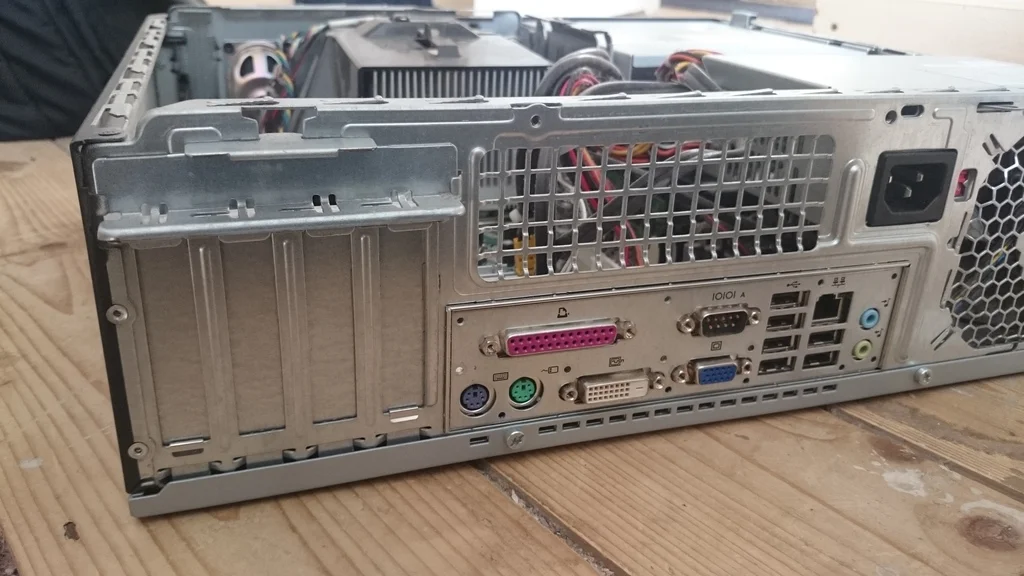
so could anyone recommend a wifi card and some form the graphics card that would fit this machine? the slots at the back aren't normal full size?
is there anyway to get the quality of video this displays on a screen to be decent quality if that makes sense. I know it wont do 4k but maybe 720p??
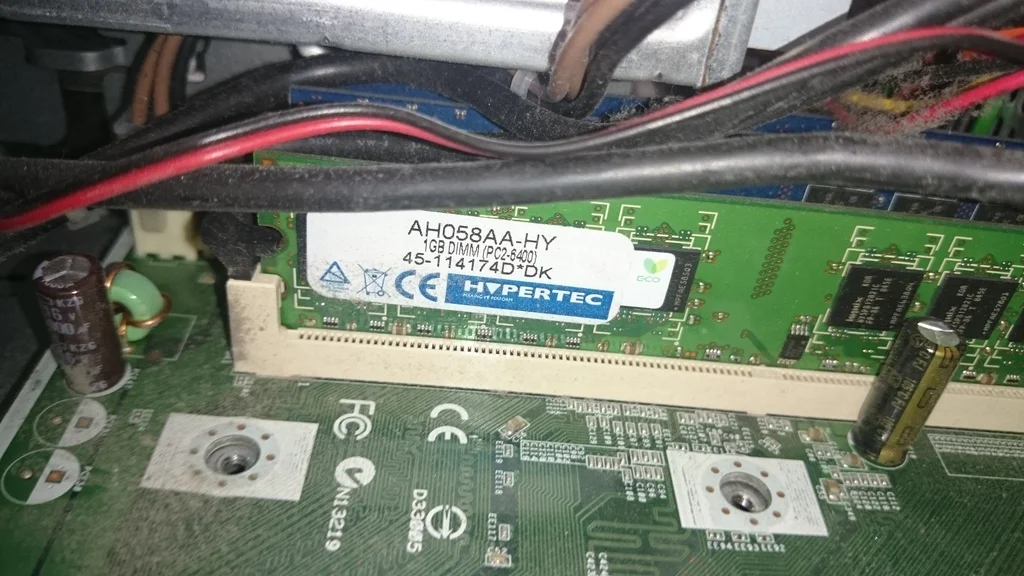
memory which ill upgrade
I know its pretty rubbish but I just want it for doing cctv with, it will replace my even older one which I currently use.
as this is a work pc it will be the most basic spec money could buy, sadly the cpu had a block of ally glued to it so couldn't actually see what it was.
I want to plug one IP camera in via Ethernet and then use another via wifi.
so could anyone recommend a wifi card and some form the graphics card that would fit this machine? the slots at the back aren't normal full size?
is there anyway to get the quality of video this displays on a screen to be decent quality if that makes sense. I know it wont do 4k but maybe 720p??
memory which ill upgrade


