ClioSport.net

Register a free account today to become a member!
Once signed in, you'll be able to participate on this site by adding your own topics and posts, as well as connect with other members through your own private inbox!

  • When you purchase through links on our site, we may earn an affiliate commission. Read more here.

Assetto Corsa EVO


McGherkin

McPension
ClioSport Club Member
Isn't it supposed to be implemented for 1.0, i.e. not yet?
IMO this will end up being a sim that everyone forgets for 5 years then someone fires it up and realises it's actually banging now.
 

Darren S

ClioSport Club Member
Isn't it supposed to be implemented for 1.0, i.e. not yet?
IMO this will end up being a sim that everyone forgets for 5 years then someone fires it up and realises it's actually banging now.
Very much liking it still. Having fun on the 'Ring and throwing in a random mix of AI opposition.

Totally agree though - I think (hope) it will truly shine in a few years. The main issue is that 99% of people will not have the patience to wait.
 

Darren S

ClioSport Club Member
Finally dipped below 7mins.... :)

1777045960054.png
 

SharkyUK

ClioSport Club Member
I think that's about as good as I will get on a controller. A previous attempt had a predicted 6:54 but I lost control braking at the end of the massive straight as I was approaching the finish line! :ROFLMAO:

Assetto Corsa EVO Screenshot 2026.05.04 - 01.03.46.81.png
 

Darren S

ClioSport Club Member
I think that's about as good as I will get on a controller. A previous attempt had a predicted 6:54 but I lost control braking at the end of the massive straight as I was approaching the finish line! :ROFLMAO:

View attachment 1786685
As said before mate - absolute credit to you getting anywhere near a decent time with a pad. Arcade racers are one thing with a pad - but the likes of ACC and AC Evo are just chaos for me in using them. Almost like captaining the QE2 that now has 200 million horse-power on a jet ski course . Heavy, weighted, unpredictable, lack of finesse - the list continues.

Is that with any driver aids on too?
 

SharkyUK

ClioSport Club Member
As said before mate - absolute credit to you getting anywhere near a decent time with a pad. Arcade racers are one thing with a pad - but the likes of ACC and AC Evo are just chaos for me in using them. Almost like captaining the QE2 that now has 200 million horse-power on a jet ski course . Heavy, weighted, unpredictable, lack of finesse - the list continues.

Is that with any driver aids on too?

Yes mate, that is with most aids on such as traction control. Having them on/off makes a huge difference on controller. With them off, it gets frustrating due to the difficulty in even getting the car around the first lap clean and without damage, whilst still pushing a little! The driving line doesn't make much difference; pretty much similar times with it on or off. The car is definitely a little quicker and playful with the aids off, but the controller (or with my at the controls) doesn't offer enough fine-grained feel or control when on the line between perfect line and/or losing it big time! :ROFLMAO:

With aids of, I think I managed a clean lap of 7m25s or thereabouts.
 

andybond

ClioSport Club Member
Early Access 0.7 is live. This is one of the most strategically significant updates of the programme so far — the first official release of the Assetto Corsa EVO SDK – the Editor Tool, a brand-new particle system for smoke, dust, spray and impact effects, four new cars, and a wave of improvements across renderer, audio, physics, multiplayer and UI that continue to strengthen every layer of the simulation.


New Cars​

Release 0.7 expands the car roster with four additions that cover both the cutting edge of contemporary GT customer racing and one of the most culturally significant sports cars ever produced. Each brings a distinct character to the EVO roster.

AUDI-R8-LMS-GT3-Evo-II-5-1920x1080.jpg

Audi R8 LMS GT3 Evo II

The latest evolution of one of GT3’s most consistent platforms. Mature aero balance, predictable rotation, and mechanical honesty that rewards consistency. A benchmark for modern GT3 driving.
NISSAN-Datsun-240Z-Fairlady-8-1920x1080.jpg

Datsun 240Z

(2 variants)
An icon of Japanese motoring. Classic long-hood proportions, inline-six character, and a sense of mechanical purity that few cars from its era can still match. Two variants available — one in stock form, one in a more focused interpretation ideal for cornering exploration and analogue driving feel.
PORSCHE-935-10-1920x1080.jpg

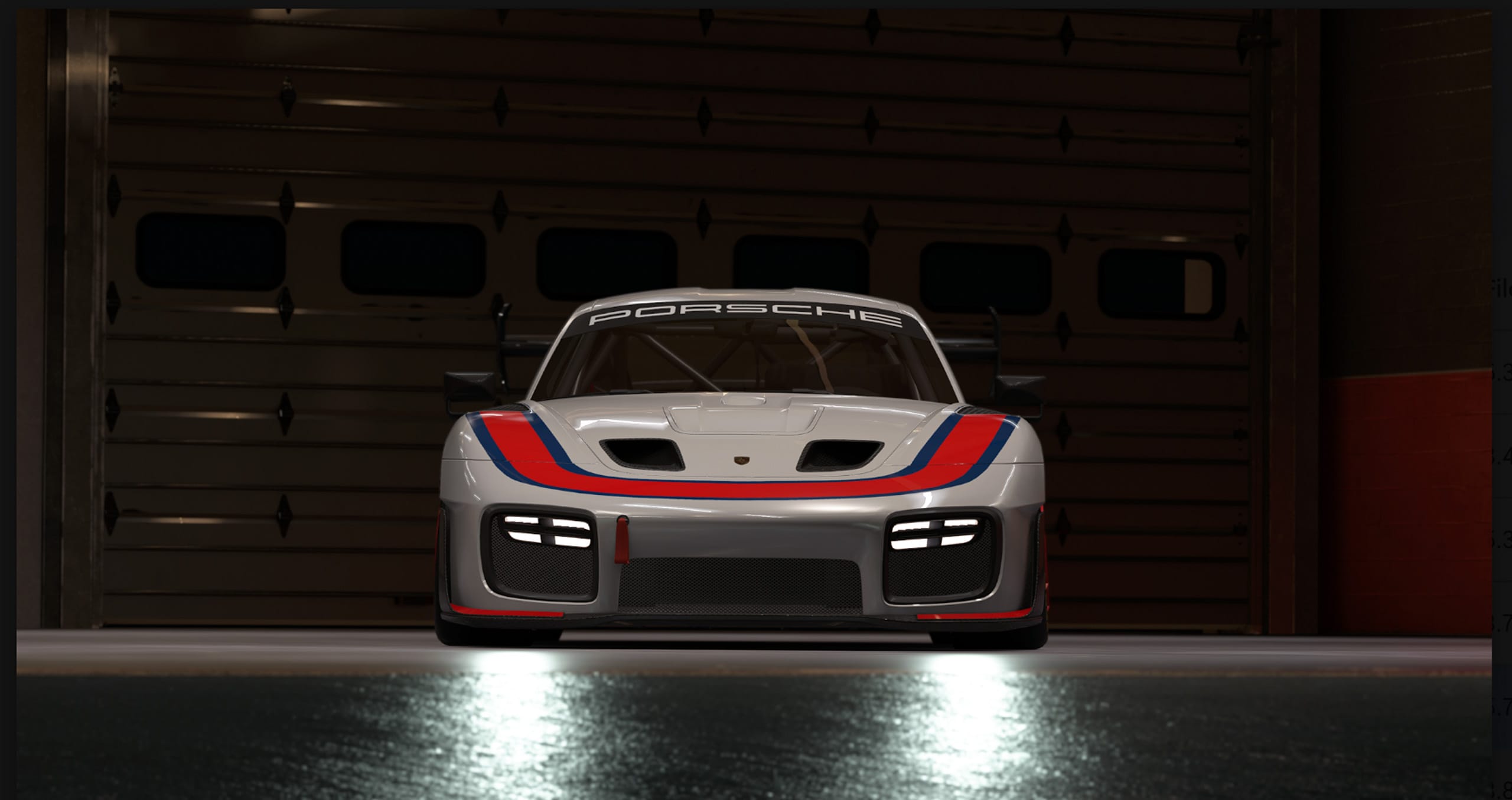
Porsche 935

A modern tribute built on the GT2 RS Clubsport platform, clothed in the unmistakable long-tail bodywork of the original 935. Dramatic aerodynamics, rear-engined attitude, and a strong sense of presence. A car as much about character as it is about driving.
PORSCHE-991II-GT2-RS-Clubsport-Evo-2-1920x1080.jpg

Porsche 911 GT2 RS Clubsport Evo Kit

The track-only ultimate evolution of the 991 GT2 RS. Turbocharged punch, serious downforce, and rear-engined commitment that demands precision under braking and trust on power. One of the most uncompromising road-derived Porsches ever produced — and one of the most rewarding cars in EVO to master.

Assetto Corsa EVO SDK​

First Official Release​

User Generated Content is part of the DNA of Assetto Corsa. With the original game, the community built an ecosystem of content that furtherly expanded the sim even beyond its already rich stock form. With Release 0.7, that legacy formally enters EVO.

0.7 delivers the first official release of the Assetto Corsa SDK — designed for the technically skilled portion of the community that built Assetto Corsa’s reputation as the most extensible sim on the market. From this release forward, creators can produce new vehicles for EVO using tools closely aligned with those the development team uses internally, ensuring authentic compatibility with the physics model and the renderer.

Advanced production pipeline​

Unlike the original Assetto Corsa editor, the AC EVO SDK is a more modern and complete experience. It features a PBR (Physically Based Rendering) material production pipeline, full LOD management, and support for aftermarket components — including visual and mechanical variants — that can be applied to user-generated cars as upgrades.

This first release focuses on the car editor only. Custom livery and track tools will follow at a later stage. User-generated cars are currently supported in Single Player; Multiplayer support is targeted, alongside custom liveries, for a further update.

This is the start of a long-term plan to make EVO the true, open and expandable platform it has born to be.


Note: KUNOS Simulazioni and Digital Bros are not responsible for community-made content that infringes trademarks, brand policies or any applicable law. The editor is intended for experienced and technically skilled users. For feedback, please refer to the official Assetto Corsa forum.
 

andybond

ClioSport Club Member

A Brand-New Particle System​

Release 0.7 introduces the particle system — one of the most requested visual effects since Early Access launched. Smoke, dust, dirt, spray and impact effects are now part of the driving experience in a way that matches the simulation depth already present under the hood.

What’s covered

  • Tyre smoke now properly accompanies wheelspin, slides and drift work Dirt and dust kick up when the car runs across gravel, grass or off-circuit edges, making every excursion feel grounded and physical
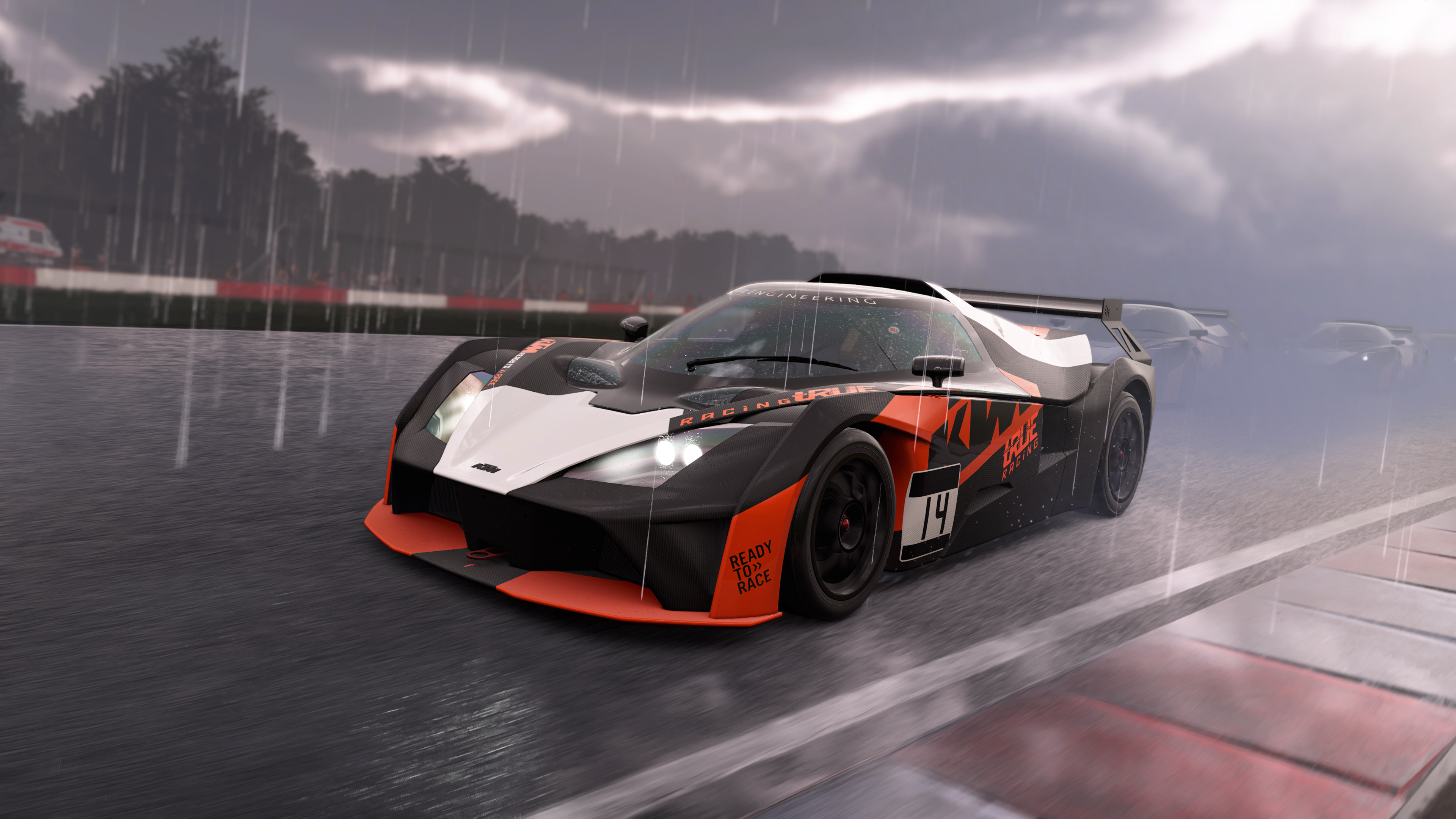
  • Spray builds correctly in wet conditions, contributing to both visual realism and racing immersion
  • Impact and crash effects add weight and consequence to hard moments on track
The new effects are enabled by default, with a fallback video setting available for lighter hardware configurations. Particle filtering for internal drivable cameras keeps the cockpit experience clean on cars with closed interiors.


Safety Rating Debut​

Daily Racing Portal​

Release 0.7 debuts EVO SR (Safety Rating) on the Daily Racing Portal — a rethinking of what clean racing actually means on a multiplayer grid.

Where most platforms reward the simple absence of contact, EVO SR measures the presence of close racing. Drivers gain rating by spending time running in close company with other cars without making contact. Contacts are read directly from impact data: aggressors pay, victims are protected, and severity scales smoothly so a light brush is absorbed while a heavy collision leaves a lasting mark.

Five tiers — Rookie, D, C, B and A — chart progress from where every driver starts to a top tier that is earned, not stumbled into. The goal is to cultivate genuine racing, not cautious racing.


Renderer: New Texture Streamer and Lighting Refinements​

0.7 ships a refactored texture streaming pipeline, now driven by GPU feedback. The result is the elimination of random low-resolution textures on larger maps, more reliable vegetation quality, and a clear reduction in streaming-induced stutter. A new texture quality option in video settings gives players direct control over texture pool size and GPU bandwidth usage.

Alongside the streamer overhaul, a series of lighting and shading fixes clean up the on-screen image. Indirect specular contribution is now correctly handled in shadow. Cloud shadows now properly track the sky and dim the sun when it passes behind them. The fog formulation in cubemaps and mirrors has been aligned to the volumetric pass, producing more truthful reflections across all weather conditions.


Audio: Interior and Engine Work​

The Lotus Exige V6 receives brand-new interior sounds. The Toyota Supra RZ in stock form gets a complete sound overhaul covering interior, exterior, custom turbo and custom backfires.

The Toyota Supra drift variant has been fully reworked: revised turbo and rev-limiter rumble volumes, stabilised drivetrain wobble parameters, adjusted maximum boost pressure, refined part-throttle modulation and updated idle behaviour. The FMOD project has been updated to the latest version, and horn sounds refreshed across the affected cars.


Physics, Handling and Balancing​

Physics work in 0.7 focuses on cleanup and balancing of the existing roster. A bug affecting caster adjustment on certain new suspension configurations has been fixed.

  • BMW M3 E30 and Mercedes-Benz 190E — balancing pass that brings two of the most emblematic touring car icons into line for cleaner head-to-head encounters
  • BMW M3 E46 — engine inertia tweaks
  • Toyota GR86 — refreshed default setup
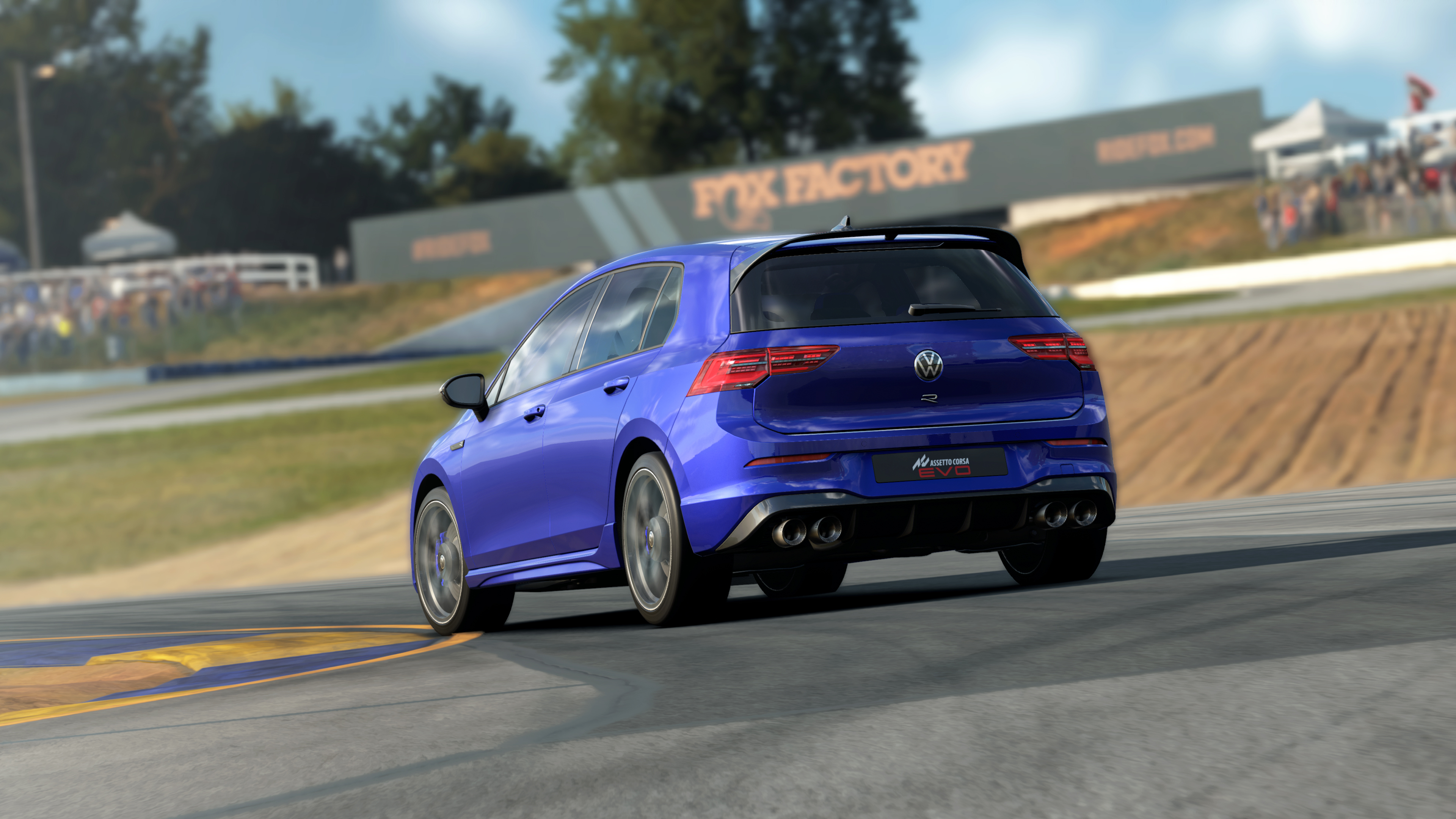
  • VW Golf 8 GTI — adjusted power figures

Multiplayer, UI and Stability​

On the multiplayer side, the results dump now carries mechanical variant and Performance Index, giving server operators and platforms more precise data for analysis. A tuning filter has been added, and the restart-session command now repairs all cars — removing one of the most common sources of frustration when relaunching a session after incidents.

In UI, the car specs sheet is now available on the mechanical variant selection screen. Customisation categories have been added to reduce clutter on cars with extensive parts lists. A new on-the-fly binding allows H-shifter inputs to be disabled in favour of sequential without leaving the session. Car number plates now correctly reflect player choices.

Under the hood, 0.7 includes a gameplay logic and architectural code revision, improvements to delta time handling when paused, replay movable object interpolation fixes, and a fix for a possible crash when quitting a session while the car is still loading.


Looking Ahead​

Release 0.7 marks a turning point in the Early Access cycle. The Assetto Corsa SDK app formally reconnects EVO to one of the strongest pillars of the Assetto Corsa franchise. The new particle system closes one of the most visible gaps between the simulation underneath and the visual experience on screen. And the steady work on renderer, audio, physics and UI continues to reinforce the platform with every update.

EVO development continues with the same focus that has defined the Early Access programme: turning every release into measurable progress towards a deeper, more open and more credible driving simulation — in line with the vision of Driving, Simulation, Evolved.
 

andybond

ClioSport Club Member

Assetto Corsa EVO 0.7​

Update Summary​

NEW CARS

  • Audi R8 LMS GT3 Evo II
  • Datsun 240Z — 2 variants
  • Porsche 935
  • Porsche 911 GT2 RS Clubsport Evo Kit
HEADLINE FEATURES

  • AC EVO Car Editor — first official release
  • New particle system: smoke, dust, dirt, spray, impact effects
  • EVO Safety Rating (SR) on Daily Racing Portal
RENDERER / GRAPHICS

  • New GPU-feedback texture streamer
  • Indirect specular, cloud shadow and fog fixes
  • New texture quality video setting
AUDIO

  • Lotus Exige V6 — brand-new interior sounds
  • Toyota Supra RZ (stock) — full sound rework
  • Toyota Supra drift variant — full engine rework
  • FMOD update, horn refresh
PHYSICS

  • BMW M3 E30 / Mercedes-Benz 190E — balancing pass
  • Caster adjustment bug fix
  • Dynamic Track & Weather tweaks
MULTIPLAYER / UI

  • Variant & Performance Index in results dump
  • Tuning filter added
  • Car specs on variant selection screen
  • Functional car number plates
 

Darren S

ClioSport Club Member
Was just about to post this. :)

Interested to hear from Andy's (@SharkyUK) view, if there's anything significant in the rendering side below.

RENDERER​

- brand new particle system with smoke, dirt and spray and impact effects
there's a fallback video setting to disable the more expensive effects
- renderer update that improves indirect specular contribution when the car is in shadows: effectively it reduces the glow we have had while the car was going from a sunlit condition into a shadowed one, plus in overcast conditions in general
this is enabled both on car and environment materials, so shaded conditions should blend better now across the board
- fixed subsurface scattering contribution when glominess dominates the scene
- fix dark halo caused by "negative" MIE scattering on cloudy scenes
- adjusted vfog ambient scattering term
- fixed glowing blurred rims (especially when metallic) in shadow context
- fix for inconsistent cloud shadows
- updated fog formulation (cubemap and mirrors) to use a phase function that more closely matches the volumetric one
this helps align the contribution between indirect render passes and the main pass
in practice this results in a truer reflection capture on cars, which now also includes volumetrics instead of just the clouds
- changed entirely the texture streamer logic to use GPU feedback. streaming should now behave correctly, especially on larger maps
- added texture quality option in video settings to control texture pool drops and GPU bandwidth usage
- fixed VR volumetric contribution per eye
- fixed and enable FSR path in VR/triple screen
- switched to d3d12ma, using separate mesh pools
- fix for free camera view becoming stuck on a black screen after reaching certain area of the skybox


SharkyUK

ClioSport Club Member
Was just about to post this. :)

Interested to hear from Andy's (@SharkyUK) view, if there's anything significant in the rendering side below.

RENDERER​

- brand new particle system with smoke, dirt and spray and impact effects
there's a fallback video setting to disable the more expensive effects
- renderer update that improves indirect specular contribution when the car is in shadows: effectively it reduces the glow we have had while the car was going from a sunlit condition into a shadowed one, plus in overcast conditions in general
this is enabled both on car and environment materials, so shaded conditions should blend better now across the board
- fixed subsurface scattering contribution when glominess dominates the scene
- fix dark halo caused by "negative" MIE scattering on cloudy scenes
- adjusted vfog ambient scattering term
- fixed glowing blurred rims (especially when metallic) in shadow context
- fix for inconsistent cloud shadows
- updated fog formulation (cubemap and mirrors) to use a phase function that more closely matches the volumetric one
this helps align the contribution between indirect render passes and the main pass
in practice this results in a truer reflection capture on cars, which now also includes volumetrics instead of just the clouds
- changed entirely the texture streamer logic to use GPU feedback. streaming should now behave correctly, especially on larger maps
- added texture quality option in video settings to control texture pool drops and GPU bandwidth usage
- fixed VR volumetric contribution per eye
- fixed and enable FSR path in VR/triple screen
- switched to d3d12ma, using separate mesh pools
- fix for free camera view becoming stuck on a black screen after reaching certain area of the skybox


I will take a look later! Some pretty big changes under the hood I think...
 

SharkyUK

ClioSport Club Member
Was just about to post this. :)

Interested to hear from Andy's (@SharkyUK) view, if there's anything significant in the rendering side below.

RENDERER​

- brand new particle system with smoke, dirt and spray and impact effects
there's a fallback video setting to disable the more expensive effects
- renderer update that improves indirect specular contribution when the car is in shadows: effectively it reduces the glow we have had while the car was going from a sunlit condition into a shadowed one, plus in overcast conditions in general
this is enabled both on car and environment materials, so shaded conditions should blend better now across the board
- fixed subsurface scattering contribution when glominess dominates the scene
- fix dark halo caused by "negative" MIE scattering on cloudy scenes
- adjusted vfog ambient scattering term
- fixed glowing blurred rims (especially when metallic) in shadow context
- fix for inconsistent cloud shadows
- updated fog formulation (cubemap and mirrors) to use a phase function that more closely matches the volumetric one
this helps align the contribution between indirect render passes and the main pass
in practice this results in a truer reflection capture on cars, which now also includes volumetrics instead of just the clouds
- changed entirely the texture streamer logic to use GPU feedback. streaming should now behave correctly, especially on larger maps
- added texture quality option in video settings to control texture pool drops and GPU bandwidth usage
- fixed VR volumetric contribution per eye
- fixed and enable FSR path in VR/triple screen
- switched to d3d12ma, using separate mesh pools
- fix for free camera view becoming stuck on a black screen after reaching certain area of the skybox


To answer your question... no.

Just kidding. :ROFLMAO: There appear to be some significant changes and a lot of bug fixes. I'll do another post.
 

SharkyUK

ClioSport Club Member
Disclaimer... I am in no way affiliated with the game. They wouldn't give me a job. And I asked nicely.

RENDERER​

- brand new particle system with smoke, dirt and spray and impact effects
there's a fallback video setting to disable the more expensive effects


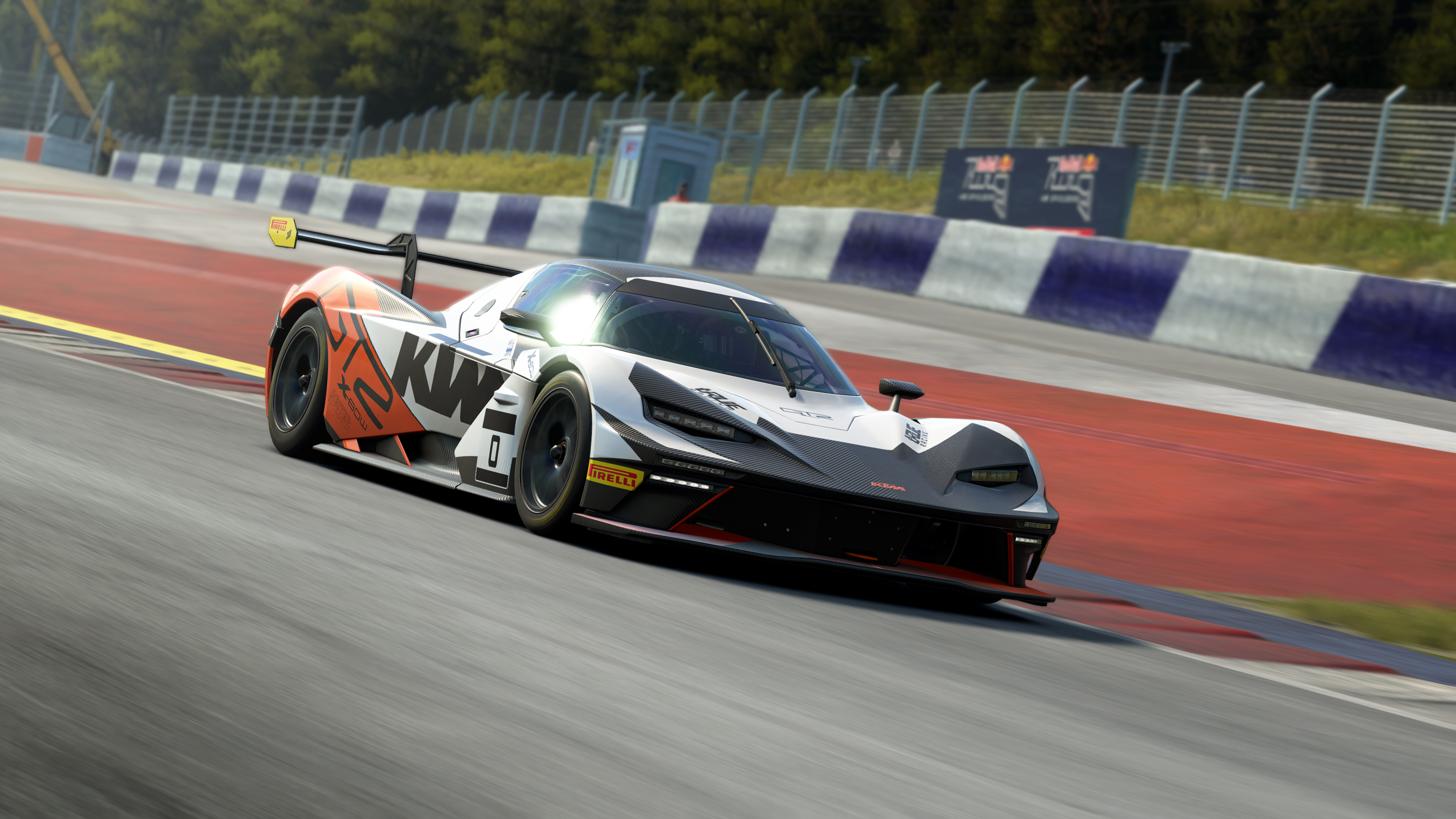
This is quite a significant change. (I don't think we've seen a particle system until this point in ACE? I can't recall one pre-0.7...) It seems quite performant, but I am running on a lowly 5090. The particles, from what I've seen so far, seem pretty basic. The fact that there is a fallback option suggests some of the effects might be quite intensive, but it isn't immediately obvious why they might be so intensive. I haven't looked too closely yet but I am not sure just how grounded the particle system is with other game engine components. For example, are the particles volumetric? Or simulate some level of volume in order to scatter light contributions? In fact, are particles a constant colour or are they included in the lighting pass (effectively giving particles that are affected by indirect and direct light sources in the game?) I can't say I've looked or seen evidence of this yet. The particles all seem quite common and flat in appearance. Also, are the particles affected by the physics in the game? Are particles affected by turbulence of passing cars, etc.? No idea - I would think not as this could also get expensive at scale.

Regardless of the above, the addition of the "new" particle system is a significant change as it potentially has fingers in different pies. I'm not sure if the particles are running wholly on the GPU or if they rely on some fixed-step pre-processing/update by the CPU. Either way, a significant change. But I think it needs some work as the effects look quite underwhelming if I'm honest. Early days still!


- renderer update that improves indirect specular contribution when the car is in shadows: effectively it reduces the glow we have had while the car was going from a sunlit condition into a shadowed one, plus in overcast conditions in general
this is enabled both on car and environment materials, so shaded conditions should blend better now across the board


Sounds like a bug fix or rendering quality improvement. It suggests lighting contributions were incorrectly calculated and/or applied in the shader when a car is shadowed. The "glow" was probably caused by too strong reflected environment lighting giving the impression that the car was not shadowed when it actually should have been. Hence, this sounds more like a minor improvement/fix rather than anything significant.


- fixed subsurface scattering contribution when glominess dominates the scene

Not sure what this means. Perhaps they mean "gloominess"? This sounds like a bug fix under certain lighting conditions (e.g. gloomy). Subsurface scattering is when light penetrates a surface, bounces around for a bit, then exits the surface. Usually applies to things like skin, paint (some), rubber, wax. It's the sort of effect you get when looking at a torch shining through your fingers and you get that strange red glow where some light from the torch is actually penetrating into your skin before exiting and entering your eye. Or if someone is stood between you and a strong light source and their ears appear to be partially see through and red due to the strong light partially penetrating them and scattering beneath the surface. If that makes sense. I digress - this sounds like a bug fix.


- fix dark halo caused by "negative" MIE scattering on cloudy scenes

Sounds like an another bug fix. Mie scattering describes how light interacts with particles that are roughly the same size as the wavelength of visible light, e.g. water droplets, mist, fog, smoke, dust. In atmospheric rendering, you usually have Rayleigh scattering and Mie scattering. Rayleigh handles the very small particles that are much smaller than the wavelength of light. This is what creates the phenomenon we see as blue sky and red sunsets. Mie scattering is for fog, haze, clouds, dust, etc. and is highly forward scattering - which means that light generally continues to travel in the same direction after hitting the particles. It is why fog looks brightest when looking towards the sun or headlights illuminate mist ahead of a car. However, Mie CANNOT be physically negative. It has to be zero or a positive contribution/value. The fact their calculations ended up with a negative value suggests an error in their calculations, hence a resulting inaccuracy where light might have been lost, and the resulting darkening halo was observed. I won't go deeper into the likely phase functions that calculate the angles of scattering, etc. (although it is really interesting! LOL!) - bug fix. Someone screwed up.


- adjusted vfog ambient scattering term

Quick tweak to makes things look better or appear more plausible.


- fixed glowing blurred rims (especially when metallic) in shadow context

Sounds similar to the issue where cars appeared to intensely lit when in shadow, although this appears to be made worse by metallic rims - which suggests a whoopsie in the PBR shader that lights and renders the rims. Possibly a temporal/accumulation issue given the fact it is associated with blurred rims, which is an effect that will be accumulated/calculated over time. Bug fix.


- fix for inconsistent cloud shadows

Bug fix.

- updated fog formulation (cubemap and mirrors) to use a phase function that more closely matches the volumetric one
this helps align the contribution between indirect render passes and the main pass
in practice this results in a truer reflection capture on cars, which now also includes volumetrics instead of just the clouds


A closer alignment of how fog is realised when the renderer is taking different paths, and - I think - probably results in reflections picking up volumetric fog effects whereas they might not have done so before. That is how it reads; reflections now pick up volumetric effects like fog and not just the clouds. A phase function (as with the Mie scattering issue) is a function that determines how strongly the light scatters at different angles. A fairly significant update I would think.


- changed entirely the texture streamer logic to use GPU feedback. streaming should now behave correctly, especially on larger maps

This is a big one, and arguably the most technically significant engine-level change. Bear with me...

A GPU-feedback texture streamer is a system that uses the GPU itself to report which textures (and which mip levels of those textures) are actually needed for rendering a given frame, then uses that information to drive what the CPU/streaming system loads into VRAM. It works along the lines of:

  1. Feedback buffer: During rendering, a special low-cost pass writes "requests" into a small GPU-side buffer - recording which texture tiles or mip levels were sampled while drawing the scene.
  2. Readback: The CPU reads this feedback buffer (usually with a frame or two of latency to avoid a GPU stall) to learn exactly what the GPU consumed.
  3. Streaming decisions: The texture streaming manager uses that data to prioritize loading high-resolution mips for visible/nearby surfaces, and to evict mips for surfaces that haven't been requested or used recently.
This is important because "traditional" texture streamers had to predict what the GPU needed based on camera position, distance, and heuristics. GPU-feedback eliminates the guesswork so...
  • No over-streaming - you don't load high-res mips for surfaces that are occluded or just off-screen.
  • No under-streaming - you don't miss a texture that's unexpectedly visible (e.g., a reflection, a portal, a shadow receiver).
  • Works with complex visibility - mirrors, portals, VR reprojection, and ray tracing all "just work" because the GPU tells you what it actually touched.

In short, it's a mechanism that lets modern games stream enormous amounts of texture data efficiently by letting the GPU act as its own "I need this" oracle rather than relying on CPU-side guesses.


- switched to d3d12ma, using separate mesh pools

This likely refers to Microsoft's/AMD's DirectX 12 memory allocator. It can typically provide:
  • better VRAM management
  • fewer memory fragmentation issues
  • potentially reduced stuttering
Most players won't directly notice this.

The mesh pool thing... likely another memory management optimisation for:
  • better streaming
  • reduced memory contention
  • potentially faster loading


I think that covers the main ones. (y) These are my thoughts/opinions, and could be wrong! :ROFLMAO:
 

Darren S

ClioSport Club Member
Nice one Andy - well described and interesting to read.

It does sound like there's a number of bug fixes in there too. I've not fired up 0.7 yet, but will do shortly - I'll see if I notice anything specific myself.
 

Darren S

ClioSport Club Member
Well, well, well....

Just had a few minutes to see if I could see any obvious fixes graphically - and I've spotted a few below.

No.1 for me that has annoyed me since the ACC days has been the texture pop-in of the grass banking at Oulton Park, when climbing out of Knickerbrook up to Clay Hill. It was a patchwork effect that was so jarring lap after lap, that I didn't really appreciate going on there. That seems to have been sorted.

There was a very small amount of pop-in for the trees in the very distance when going down The Avenue also - but on lap 2, that no longer occurred. Potentially the assets loaded and controlled better in VRAM maybe?

The other was at the 'Ring, where going through Flugplatz and onto Kottenbom saw the usual meshing and patchwork of terrain off to the right of the track. No more - it appeared all smooth and 'realistic' now.

So far, so good...
 

SharkyUK

ClioSport Club Member
Well, well, well....

Just had a few minutes to see if I could see any obvious fixes graphically - and I've spotted a few below.

No.1 for me that has annoyed me since the ACC days has been the texture pop-in of the grass banking at Oulton Park, when climbing out of Knickerbrook up to Clay Hill. It was a patchwork effect that was so jarring lap after lap, that I didn't really appreciate going on there. That seems to have been sorted.

There was a very small amount of pop-in for the trees in the very distance when going down The Avenue also - but on lap 2, that no longer occurred. Potentially the assets loaded and controlled better in VRAM maybe?

The other was at the 'Ring, where going through Flugplatz and onto Kottenbom saw the usual meshing and patchwork of terrain off to the right of the track. No more - it appeared all smooth and 'realistic' now.

So far, so good...

👍 That is the result of the GPU feedback texture streamer and mesh allocation/object pool optimisations.

It certainly runs a lot nicer now. I can happily run it fully maxed with DLAA and not noticed any stutters.


Top