
ClioSport.net

This is a sample guest message. Register a free account today to become a member! Once signed in, you'll be able to participate on this site by adding your own topics and posts, as well as connect with other members through your own private inbox!

  • When you purchase through links on our site, we may earn an affiliate commission. Read more here.

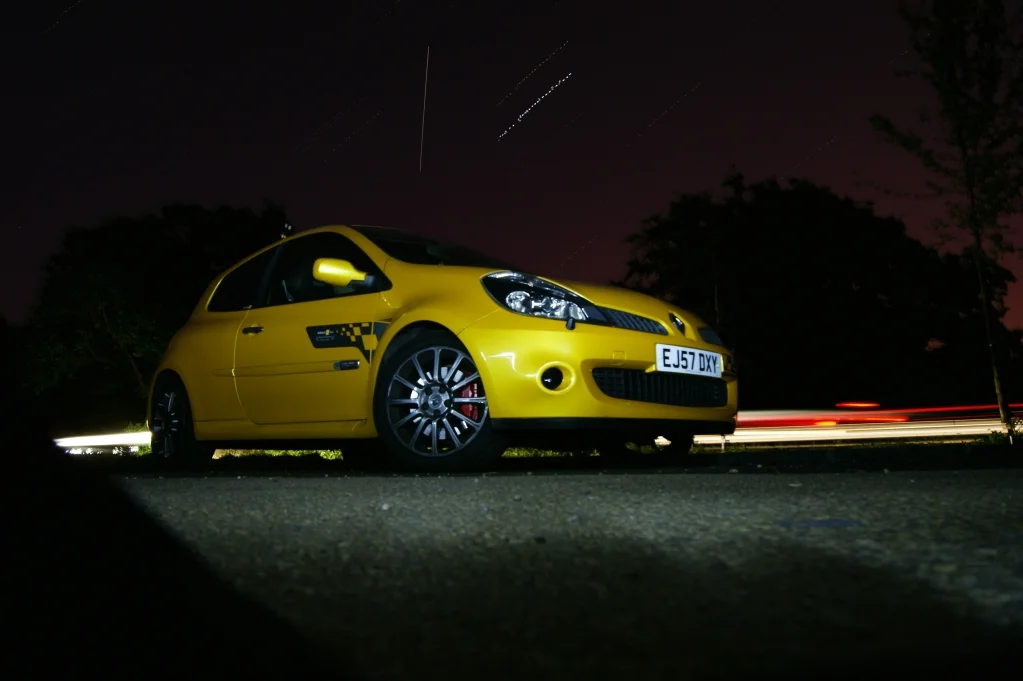
My attempt at star trails - didnt really work.

Car  LY R27
right so the other night I went out for an hour to do some star trails.

Turned out like this
stackedImage1.webp


as you can see there is only a few stars there, and also alot of gaps between the starts...

My guessing for this is that after each photo it took a while for the camera to "process". Admittedly I don't shoot the greatest camera, only a Sony Alpha, but it can produce some decent stuff. I have a feeling that it may have something to do with running a micro SD through an SD adaptor :eek::eek: as i lost my SD. I know its a crime to do such a thing but hey.

Any other ideas or things I could do?
I was taking photos with a shutter speed of 20-30 seconds long.

Anything you can suggest to get the "processing" time down? and therefore create a solid trail of light from the stars other than dots. :(

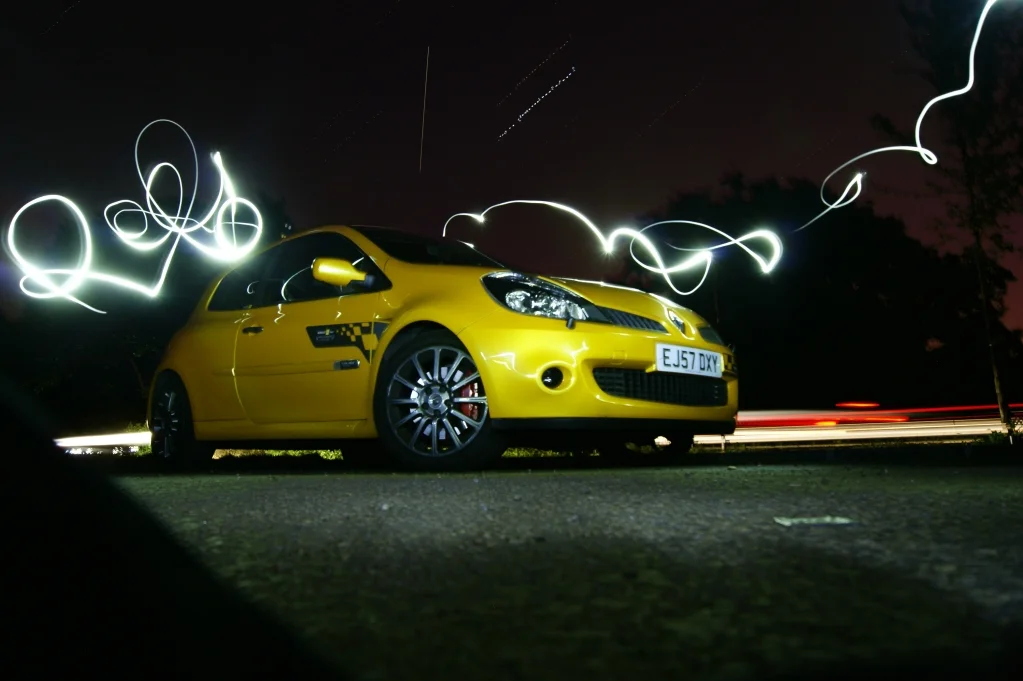
Anyways as a bit of fun at the end i produced this

HELP PLEASE :) was planning to have another punt tonight.

stackedImage2.webp


PS. I know the last pic is out of focus, I knocked the camera :o
 
Last edited:
You are mental shooting star trails in the summer lol. You must have to wait until midnight before you can start :P
 
Yeh there was an interval between shots, because the Camera was "processing"
This is my question, why processing? the longer the exposure, the longer the processing time?

could this be anything to do with the card im using? Micro SD?

And Scott, im up late everynight so I dont mind being there at 12 oclock at night.

Stats were
Length - 18
Exposure time -20s
F -8
Doesnt show me the ISO, i forgot what I shot it at.

Really need help reducing this Processign time, then I can get some decent shots...
 
The "processing" could be long exposure noise reduction, have a look in the menu see if you can turn it off.
 
You probably would get a little more noise, but use a low iso anyway. Did your camera have the long exposure noise reduction option?
 
Ok, let me get this straight, I take photos for fun! I'm not claiming to be a professional or anything. But do understand what happens when you adjust ISO, SS and Aperture
All im asking is how to reduce the "processing" time between taking long exposures.
 
The gaps are because the camera didn't see enough light. You need a faster lens/higher ISO/ longer shutter speed. Doing this may overexpose your foreground (the car) so I would suggest taking 2 exposures, 1 with & 1 without the car, but without altering teh camera position and then blending the sky in photoshop.
 
The "processing" could be long exposure noise reduction, have a look in the menu see if you can turn it off.

It'll be a setting in the menus of your camera.

Might be 'advanced' somewhere as it's not something your average Joe would probably use.

This.

If you have it on, then your camera will take an age to process each image. Turn it off. This is what your Sony Alpha screen should look like?

getfile
 
Well....

http://www.docs.sony.com/release/DSLRA290.pdf

Pg 112:

Changing the noise reduction setting
When you set the shutter speed to a second or longer (Long exposure
shooting), noise reduction is turned on for the same duration that the shutter
is open.
This is to reduce the grainy noise typical in a long exposure. When noise
reduction is in progress, a message appears and you cannot take another
picture. Select [On] to prioritize the image quality. Select [Off] to prioritize
the timing of shooting.
MENU button t 2 t [Long exp.NR] t [Off]

:rasp:
 
Well....

http://www.docs.sony.com/release/DSLRA290.pdf

Pg 112:

Changing the noise reduction setting
When you set the shutter speed to a second or longer (Long exposure
shooting), noise reduction is turned on for the same duration that the shutter
is open.
This is to reduce the grainy noise typical in a long exposure. When noise
reduction is in progress, a message appears and you cannot take another
picture. Select [On] to prioritize the image quality. Select [Off] to prioritize
the timing of shooting.
MENU button t 2 t [Long exp.NR] t [Off]

:rasp:

Gaylord.
 
You wish, ScottdotTM. Learn to hyperlink properly, you banker. Did you cause NatWest's systems to crash ?!

I bet you did.

Anyway, OP (I don't know your name), give that a go and see what happens !
 
sweet as a nut!
You recon it would be anything to do with using a stupid micro sd in an adaptor as well? :o
 
Back
Top